Stylized Map Maker
This is a tool created in Substance Designer for generating custom, stylized maps for an educational video project. Originally we wanted to create a few stylized maps to match a specific illustration style. As the project evolved we eventually dropped the stylized illustration elements, but the map maker tool continued to be used and was even expanded in scope.
The main tool exists as .SBSAR file that's used with Substance Player to export individual images and also animation frames of the map with moving water.
These maps were usually exported as frame sequences and used as a background within Premiere Pro, where they were combined with additional animated elements and text, as the shot demanded.


Examples of maps in use for educational video content.

The tool can also output animated waves by panning the distortion map.
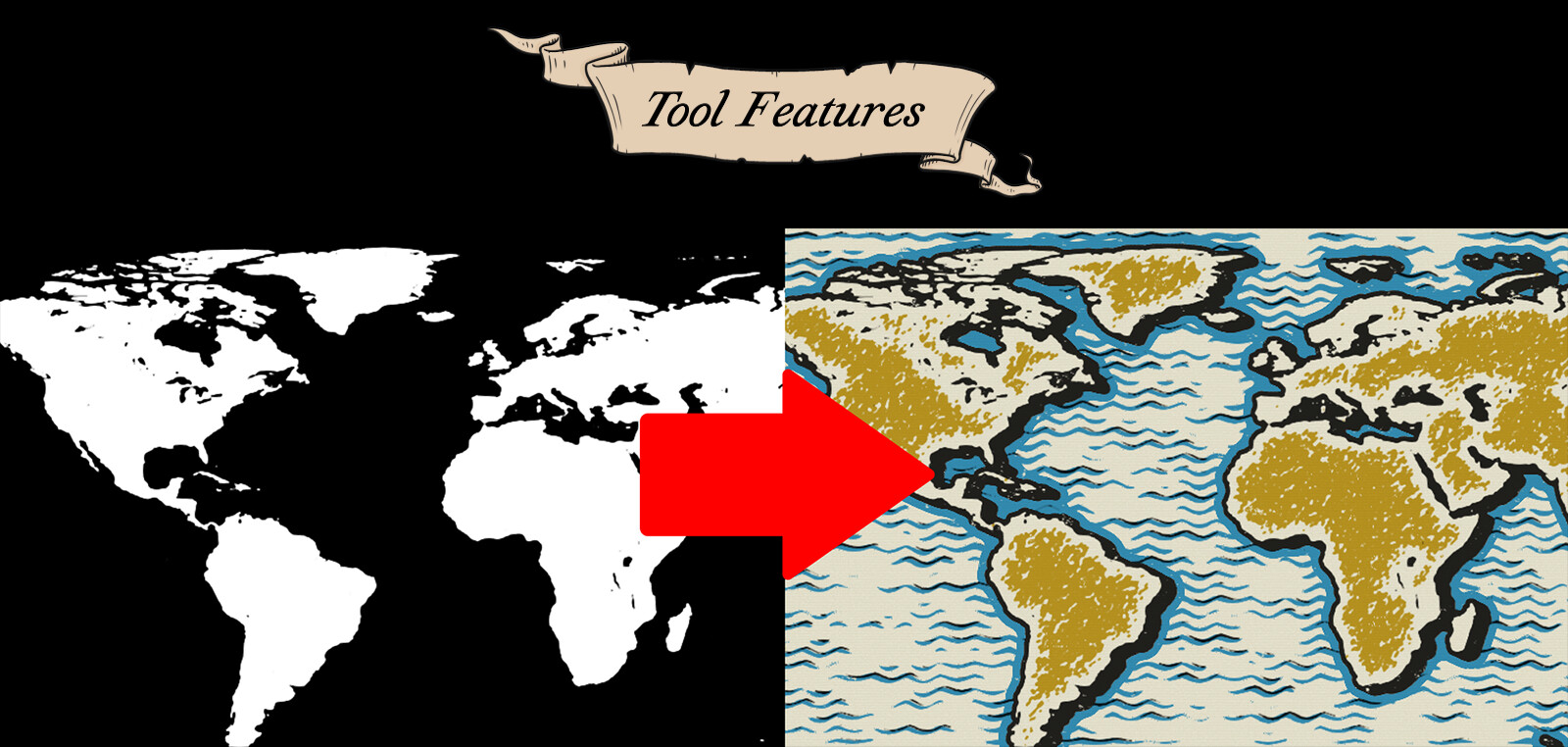
The tool takes any black and white image and turns it into a customizable stylized map. It also includes an 8K world map image which can be zoomed and cropped to create a map of a specific area.

Map tool parameters being adjusted and applied to the world map, as well as other maps being imported as black and white images.

The tool interface within Substance Player.
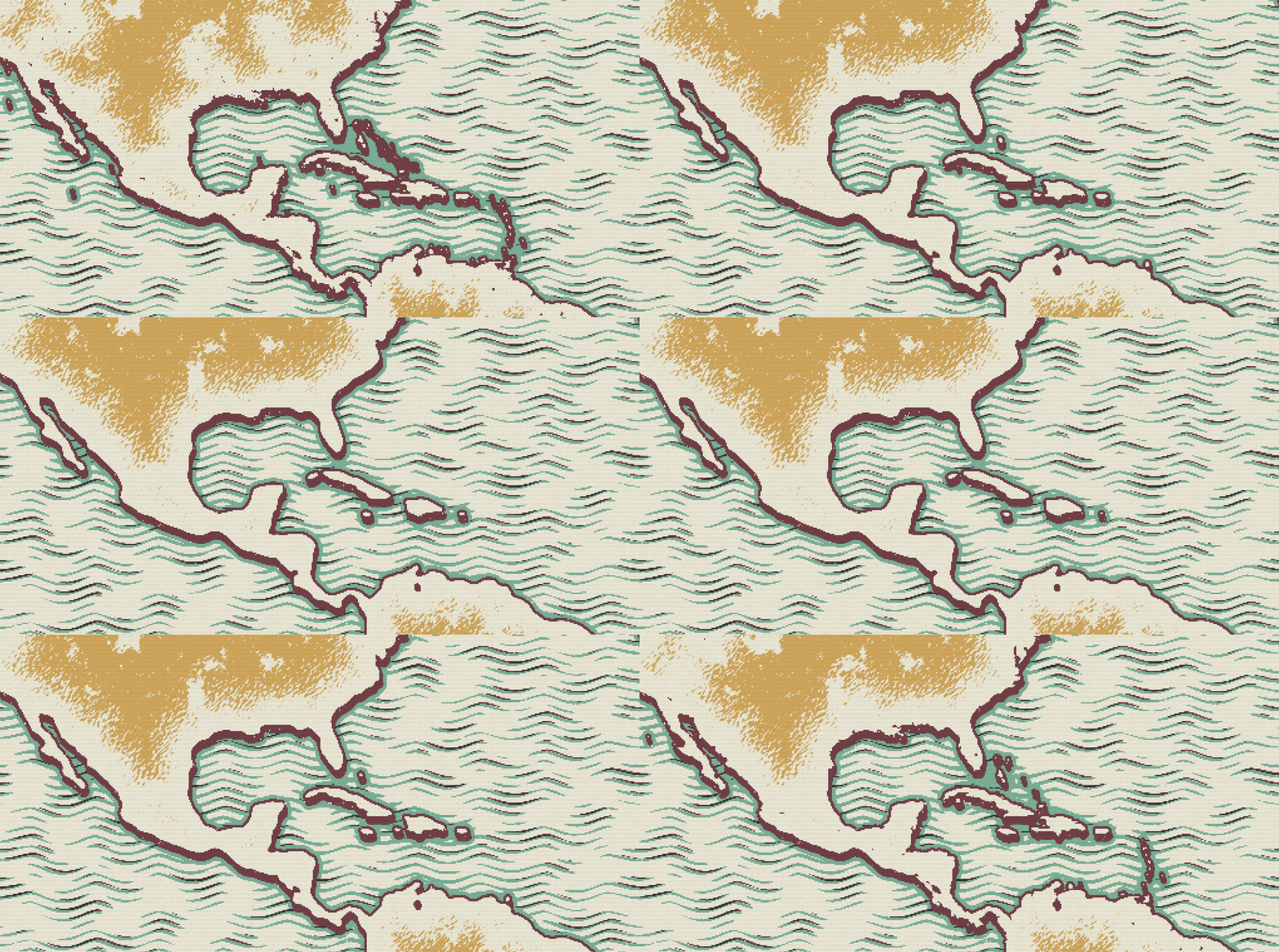
The Map Shape Simplify parameter can be used to reduce extraneous detail for a more simplified map.

The terrain strokes can be increased in number and size, and given buffers around region borders. A noise-based terrain texture option also exists.
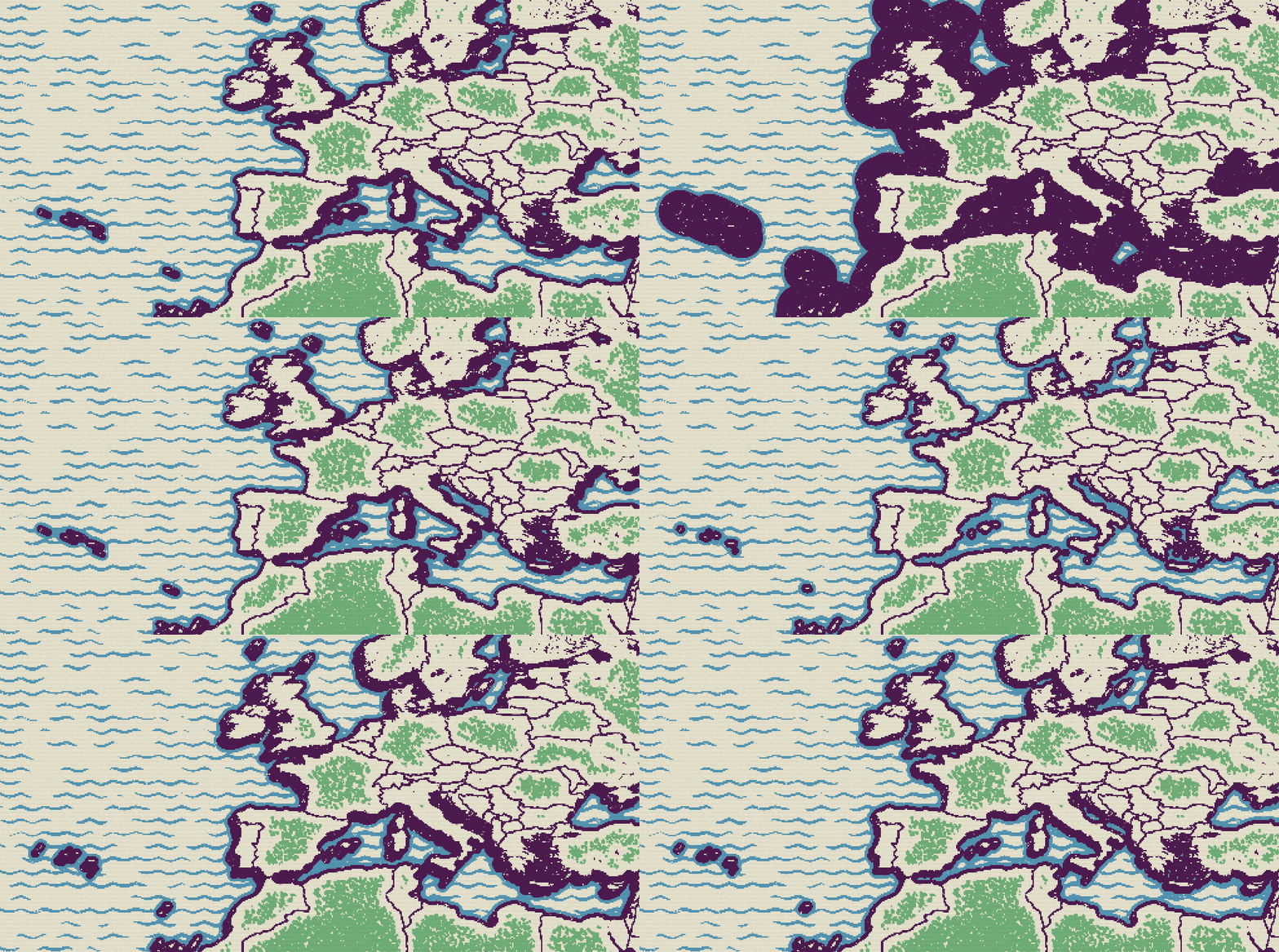
The ink outlines for the landmasses consist of a basic outline stroke as well as a kind of sharp "drop shadow", which gives the land a raised 3D effect.

We can set the, amount, amplitude and frequency of the waves, as well as several parameters for masking the waves and the accent strokes.

We also export the black and white starting image which can be used as a mask for highlighting in Photoshop or After Effects.

Some of the reference images given to me, we especially liked the stylized illustrations of Miguel Covarrubias. Map mockups on the left by Maggie Ivy.

The basic graph, minus the complexities added to allow for the region boundaries. Each section is added together as a different color ink along the top track.

As part of the tool-creation process, I also needed to document how to use the tool for myself and others. I wrote a fairly lengthy Notion article to add to our internal knowledge base.